Download the app
2 of 4
Step 02
Create your account.
Walk through setup once — your community is ready to go.
1
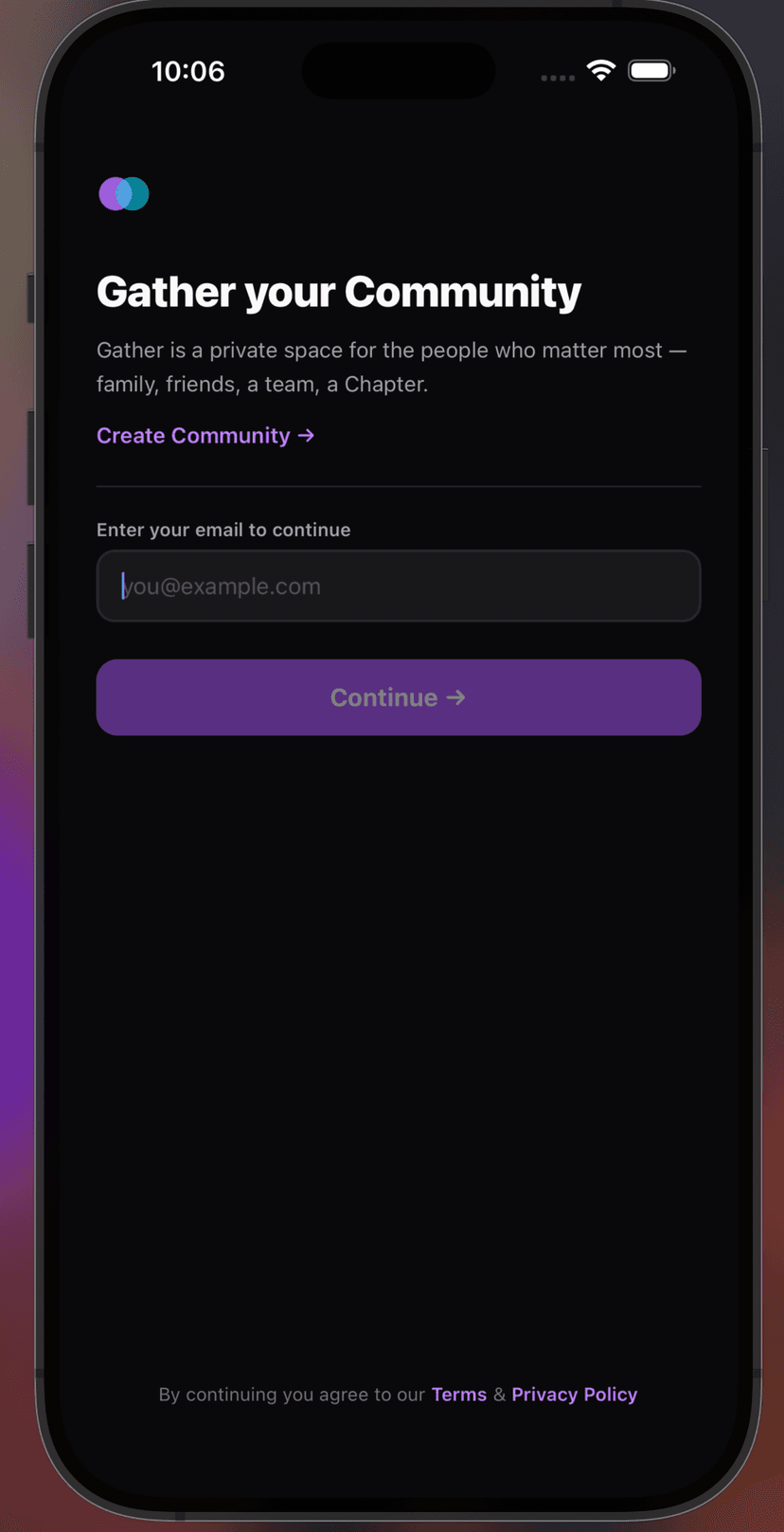
Open the app and tap "Create Community."
From the login screen, tap "Create Community" to get started.
2
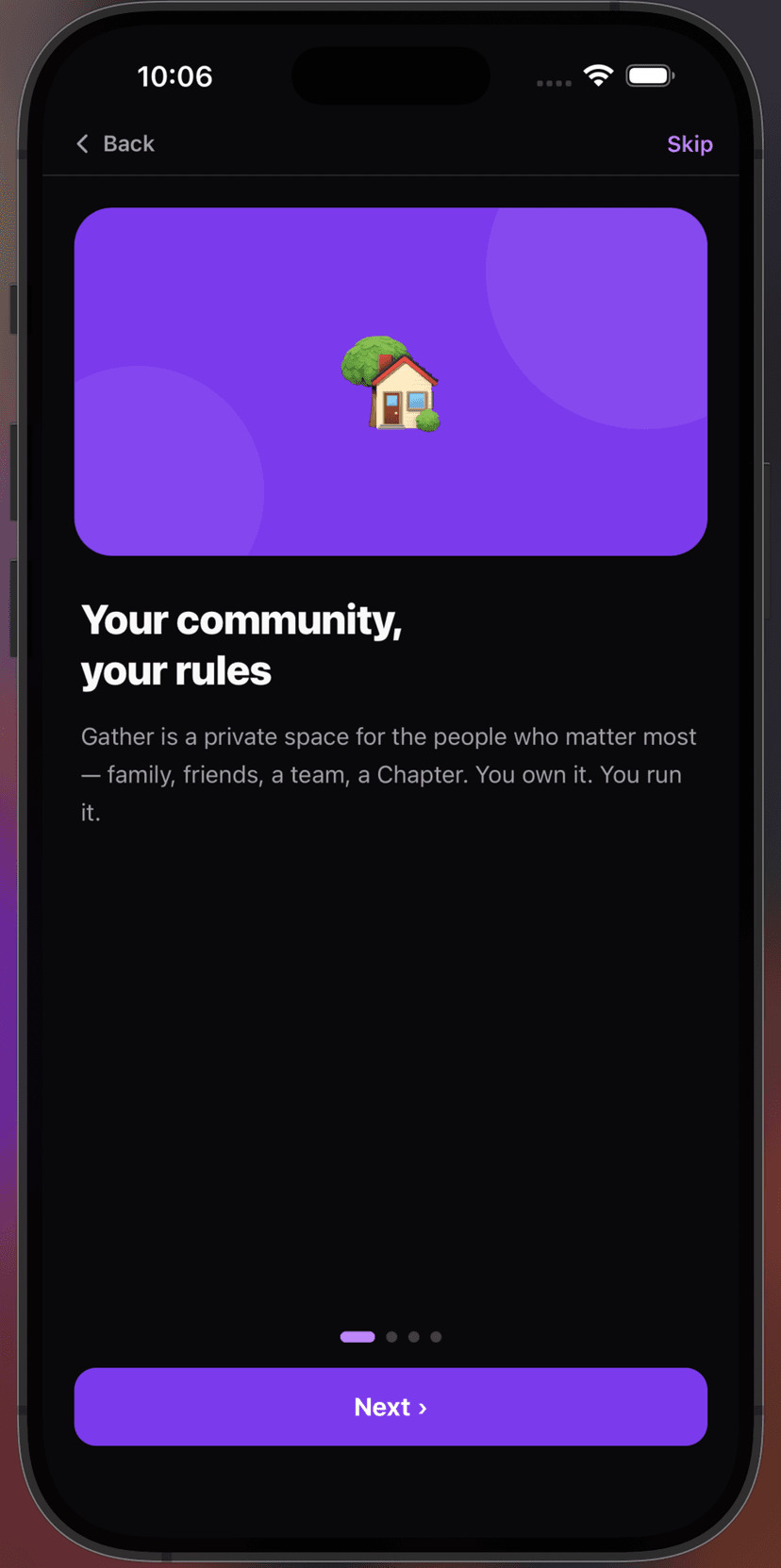
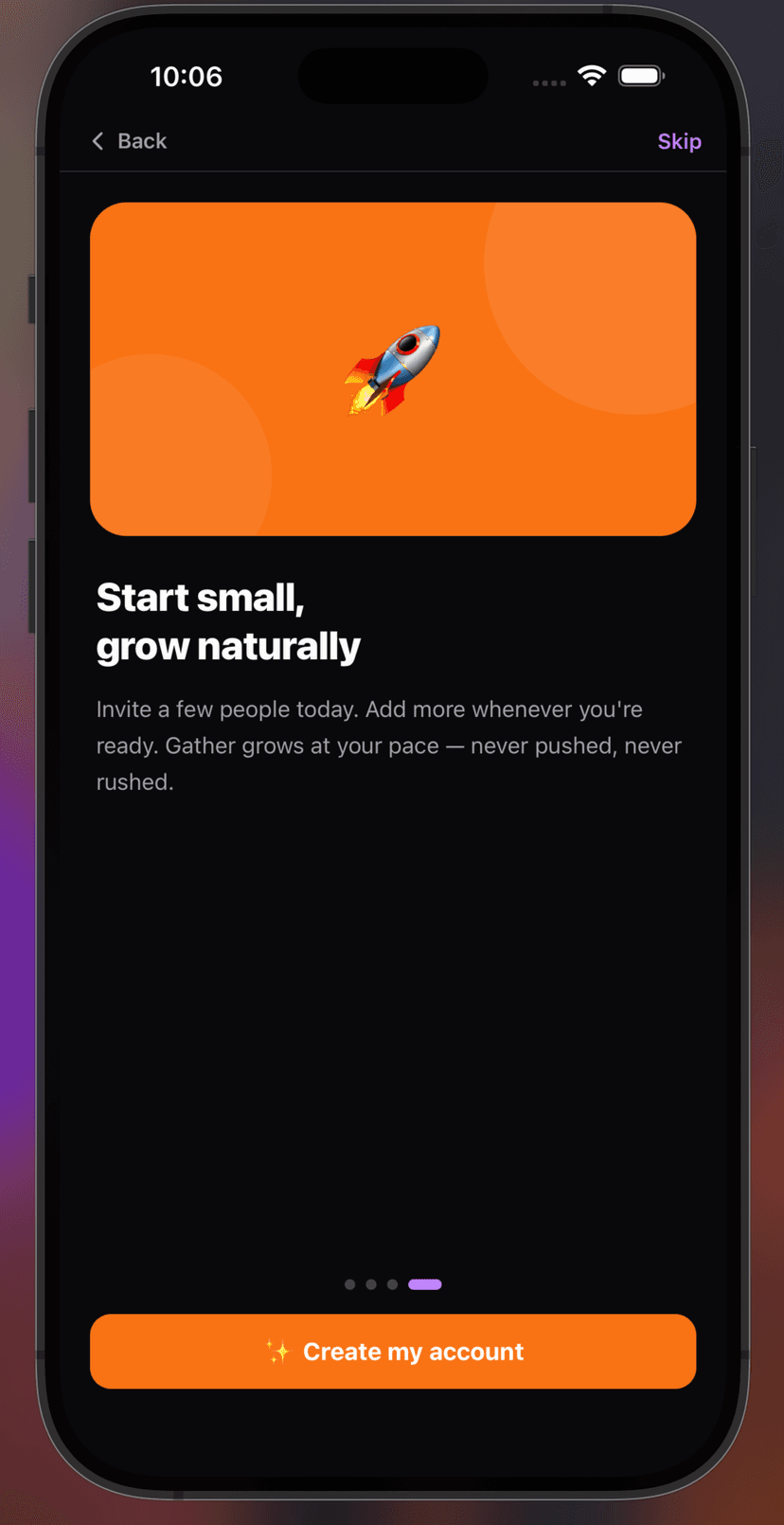
See what Gather2CC does.
A quick look at the features before you dive in.
3
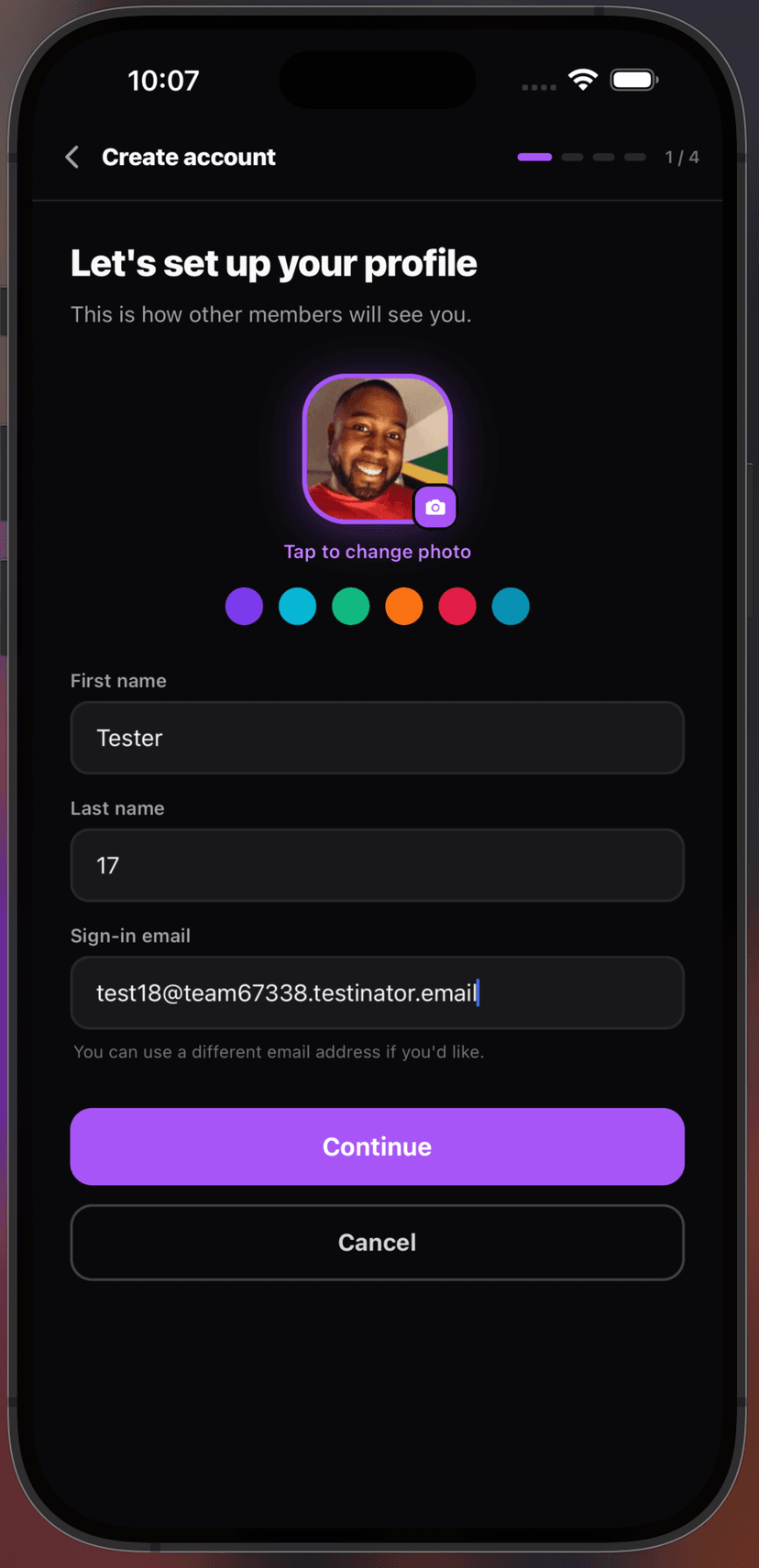
Build your member profile.
Add your name and a photo so your community knows who you are.
4
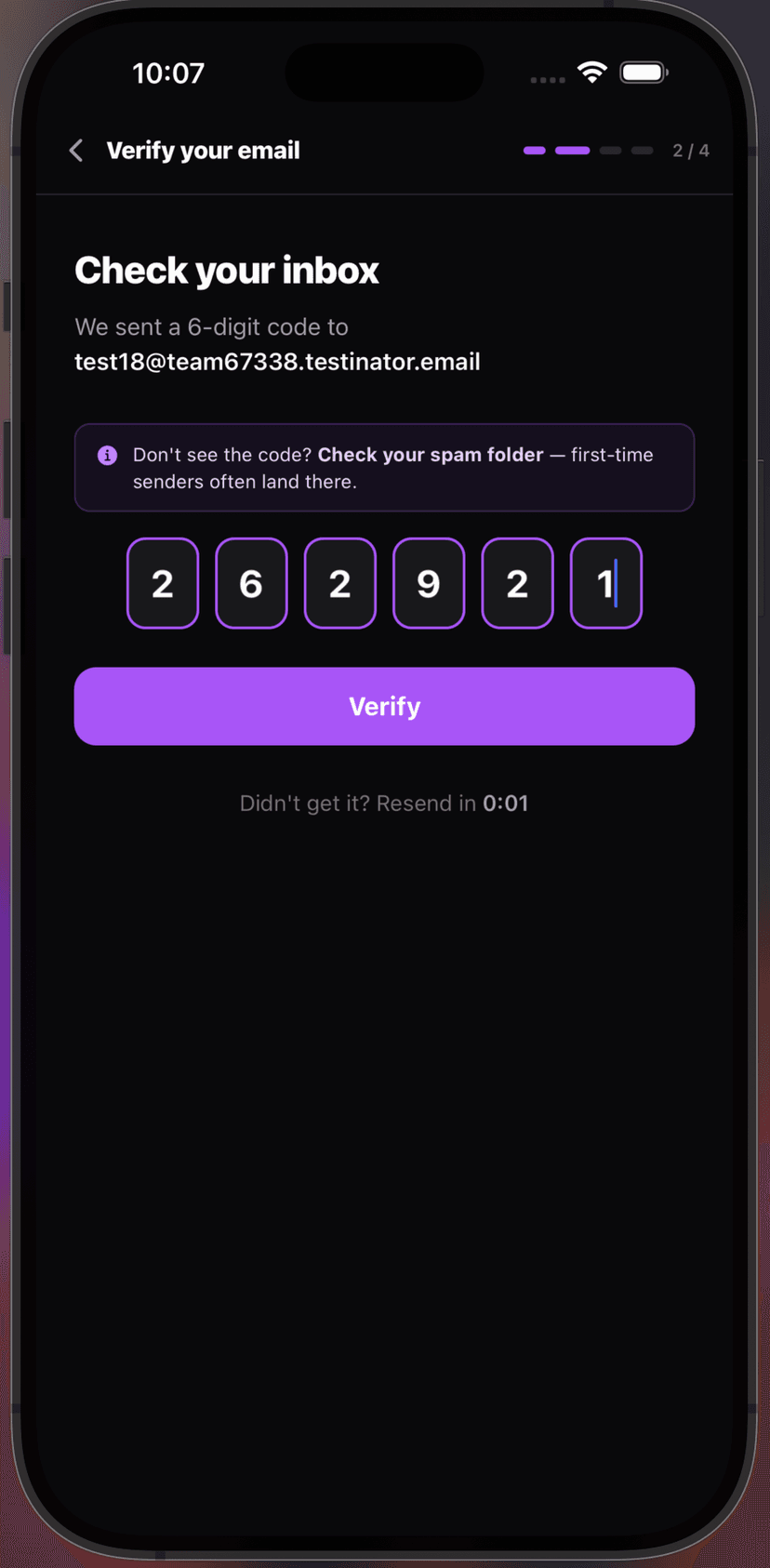
Verify your email address.
We'll send a 6-digit code to confirm it's you.
5
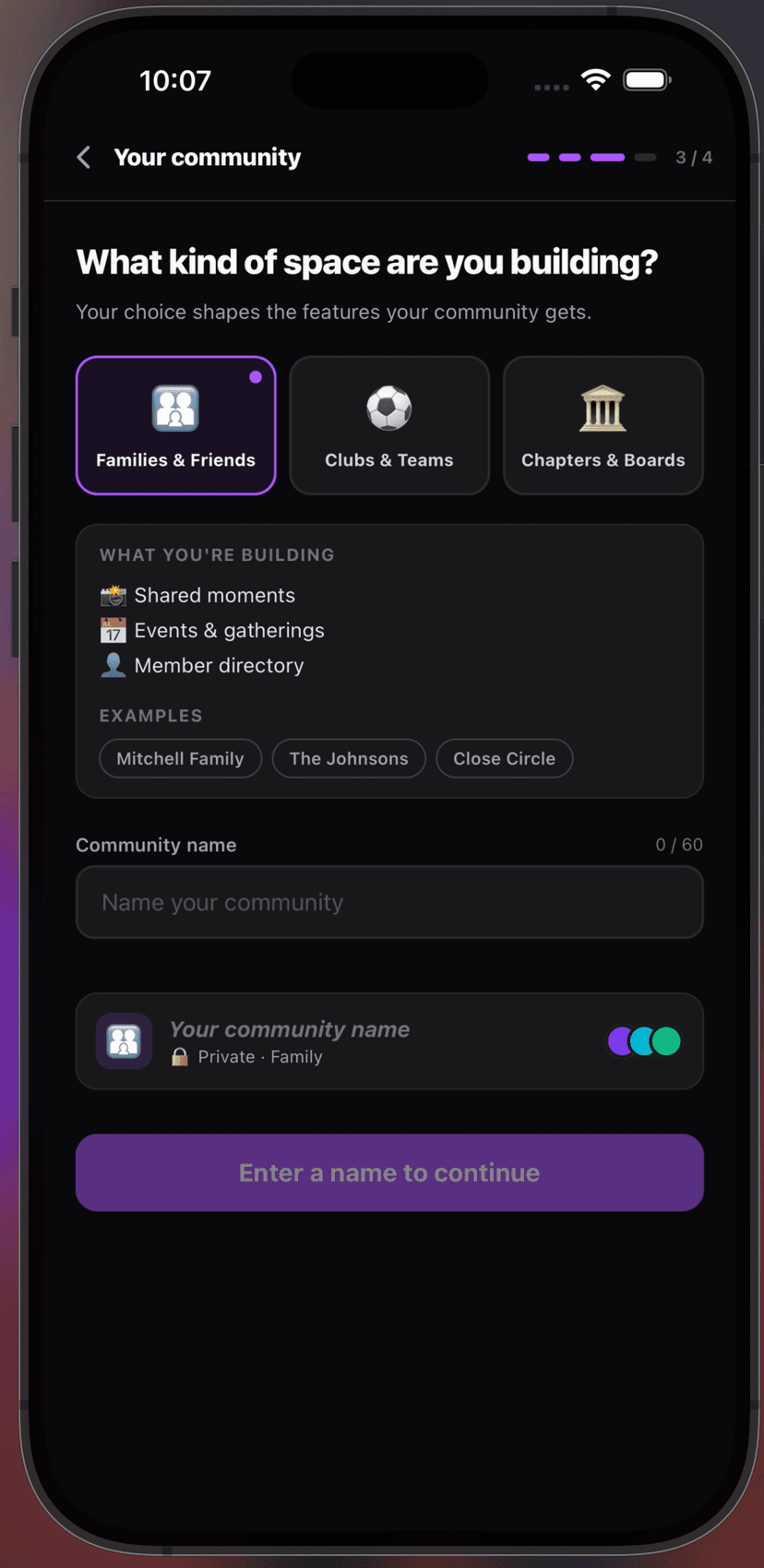
Choose your community type.
Pick from Families, Clubs, or Community Organizations — then give it a name.